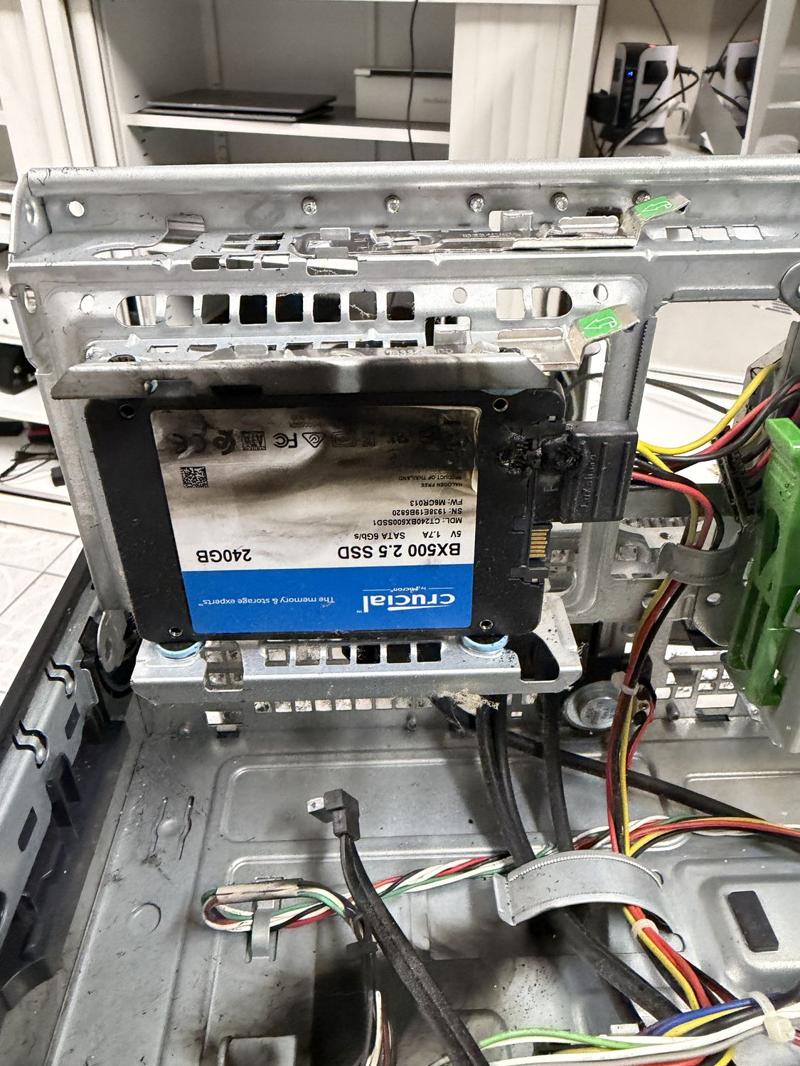
The saddest job at the counter is a dead laptop with ten years of family photos on it and no backup. Sometimes we can recover them, but not always. A backup takes half an hour to set up and then looks after itself.
The simple plan: two copies, two places
Keep your photos and important files in at least two places besides the computer itself:
- An external drive at home, backed up automatically. This is fast and has no monthly fees.
- Cloud storage, such as iCloud, OneDrive or Google Photos. This protects you if the house is burgled, or both the computer and the drive fail together.
On a Mac
Plug in an external drive and turn on Time Machine in System Settings. It backs up every hour while the drive is connected. Add iCloud Photos for a second copy.
On Windows
Use File History or Windows Backup with an external drive, and OneDrive for your Documents, Desktop and Pictures folders.
On your phone
Turn on iCloud Photos on an iPhone, or Google Photos backup on Android. Check now and then that it's actually finishing.
Check it works
Every few months, open the backup and make sure you can find a recent photo. A backup you've never checked might not be there when you need it.
Want us to set it up?
We set up automatic backups on Windows and Mac and show you how to check them. We also stock portable backup drives. If the worst has already happened, see data recovery.
Would you rather we sorted it?
Bring it in any weekday morning, or book a time online.